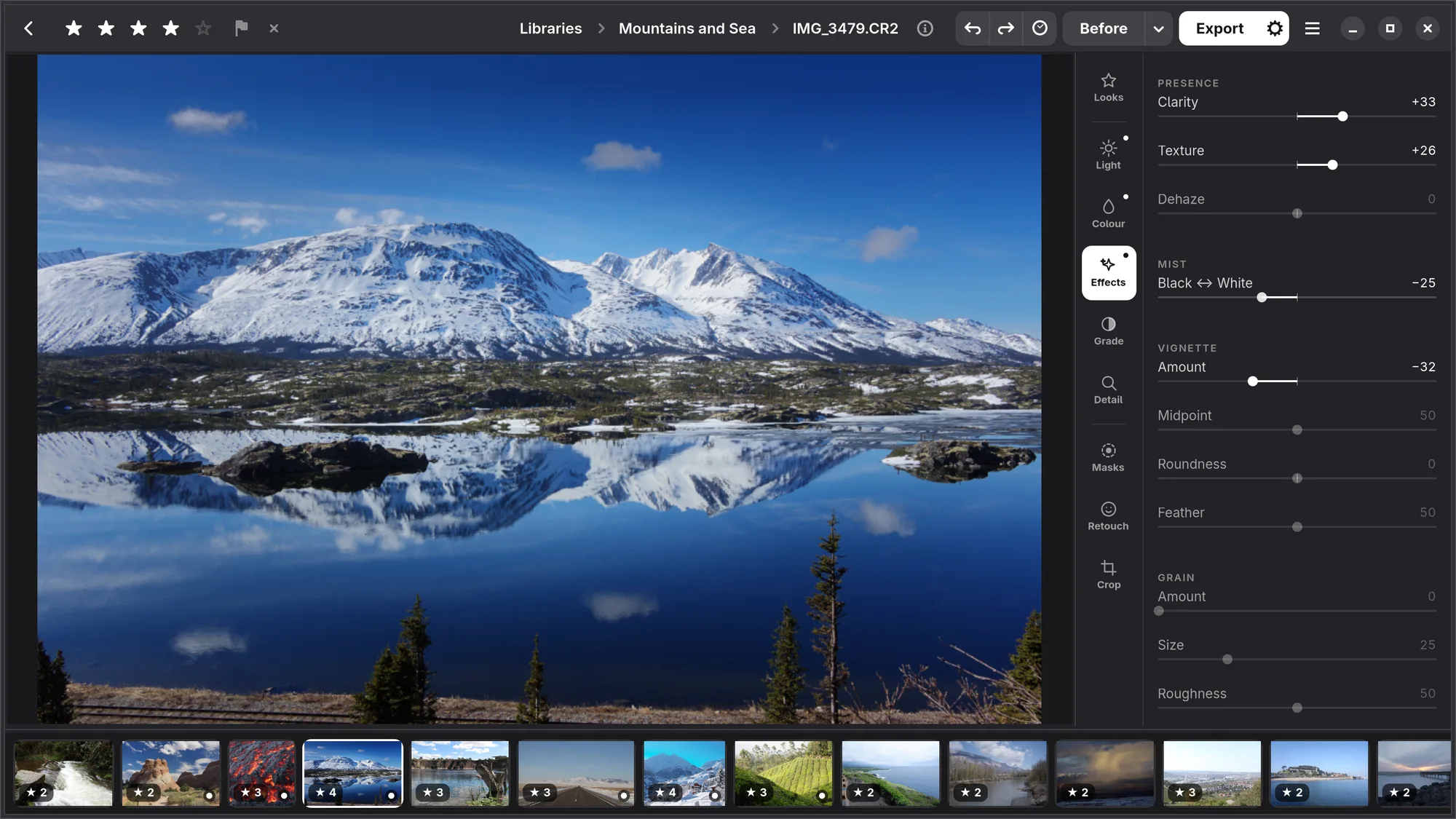
Effects
Presence (Clarity, Texture and Dehaze), a mist filter, a vignette, and grain.
Presence
| Slider | What it does |
|---|---|
| Clarity | Contrast in the middle-sized details, the size of a cheek or a cloud: more makes a photograph punchier. Less spreads the light, like a diffusion filter, rather than blurring. |
| Texture | The same in fine detail, the size of fabric or bark. Less smooths skin without softening the eyes. |
| Dehaze | Takes haze and mist away, or adds them. |
Mist
The look of a mist filter in front of the lens, on any photograph. Black ↔ White is one slider with nothing at zero. To the left is Black Mist: lamps and bright edges get a soft glow and the blacks stay deep. To the right is White Mist: a milky veil that lifts the shadows and softens the contrast. The light is moved rather than added, so the photograph keeps its brightness. Numa looks for where the light comes from, so lamps, the sun and lit windows glow more than things that are only bright, like a white wall. Mist belongs to the whole photograph, so a mask does not have it.
Vignette
Darkens (or lightens) the corners, up to two stops. Amount sets how much, Midpoint how far in it starts, Roundness whether it follows the frame or is a circle, Feather how soft its edge is. It is placed inside your crop, so it stays in the corners of the photograph you export.
Grain
Film-like grain: Amount, Size and Roughness. It is strongest in the midtones, as on film, and stays put when you crop.