Grade
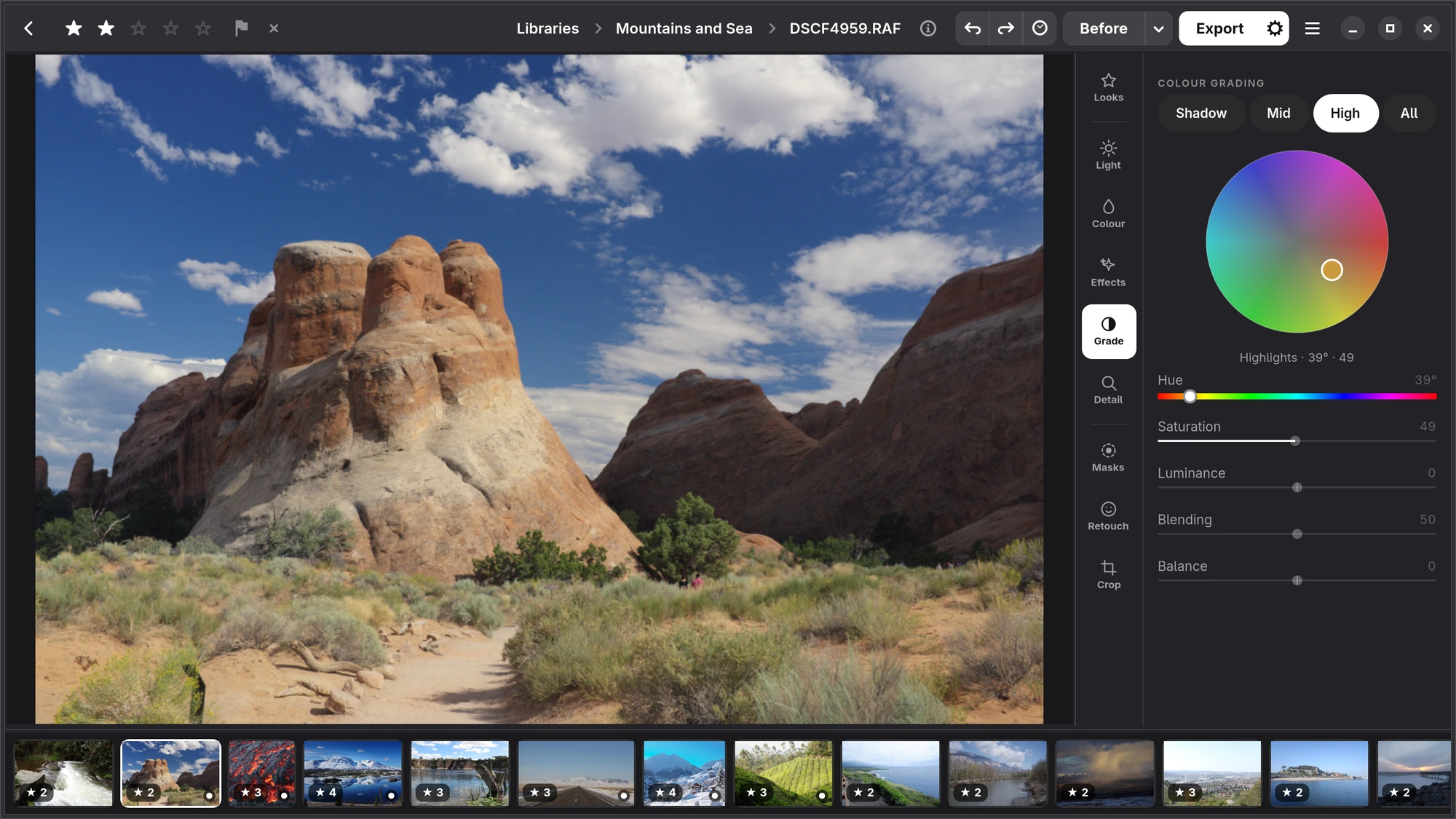
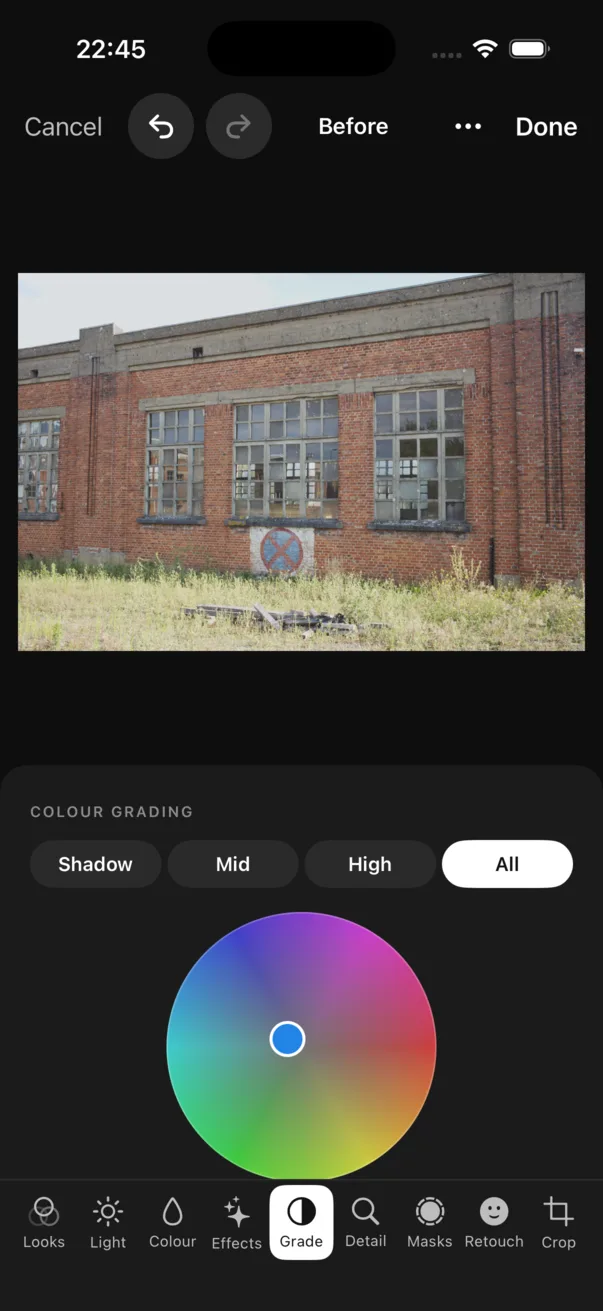
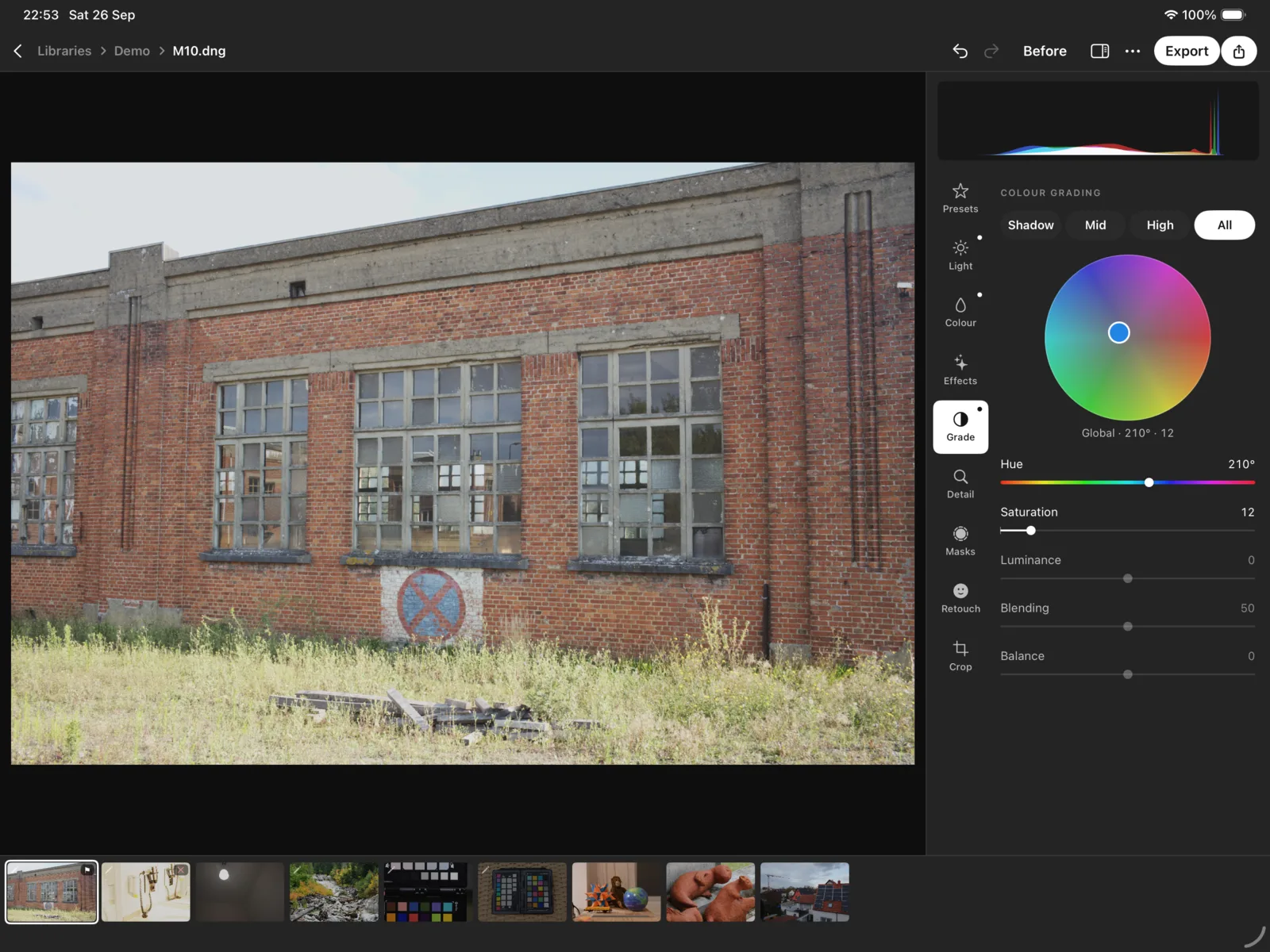
Colour grading: a colour for the shadows, the midtones and the highlights, or the whole photograph.
Choosing a zone
Colour grading has four zones: Shadow, Mid, High and All. Choose one, then choose its colour on the wheel: the angle is the hue, the distance from the middle how strong it is. Under the wheel, Hue and Saturation say the same in numbers, and Luminance makes that zone lighter or darker. Warm highlights and cool shadows is the classic grade.
Two sliders apply to all zones: Blending, how much the zones overlap, and Balance, which moves the line between shadows and highlights.