
People
Name someone once and Numa finds them in every library. Recognition runs on your computer; nothing is sent anywhere.
Naming a face
People needs the Faces add-on (Preferences, Add-ons). Once it is there, Analyse finds the faces in a library. Open a photograph's info (I in the editor) to see the faces in it, and type a name under one. From then on, Numa guesses that person on other photographs, in every library; Enter confirms a guess.
Naming many at once
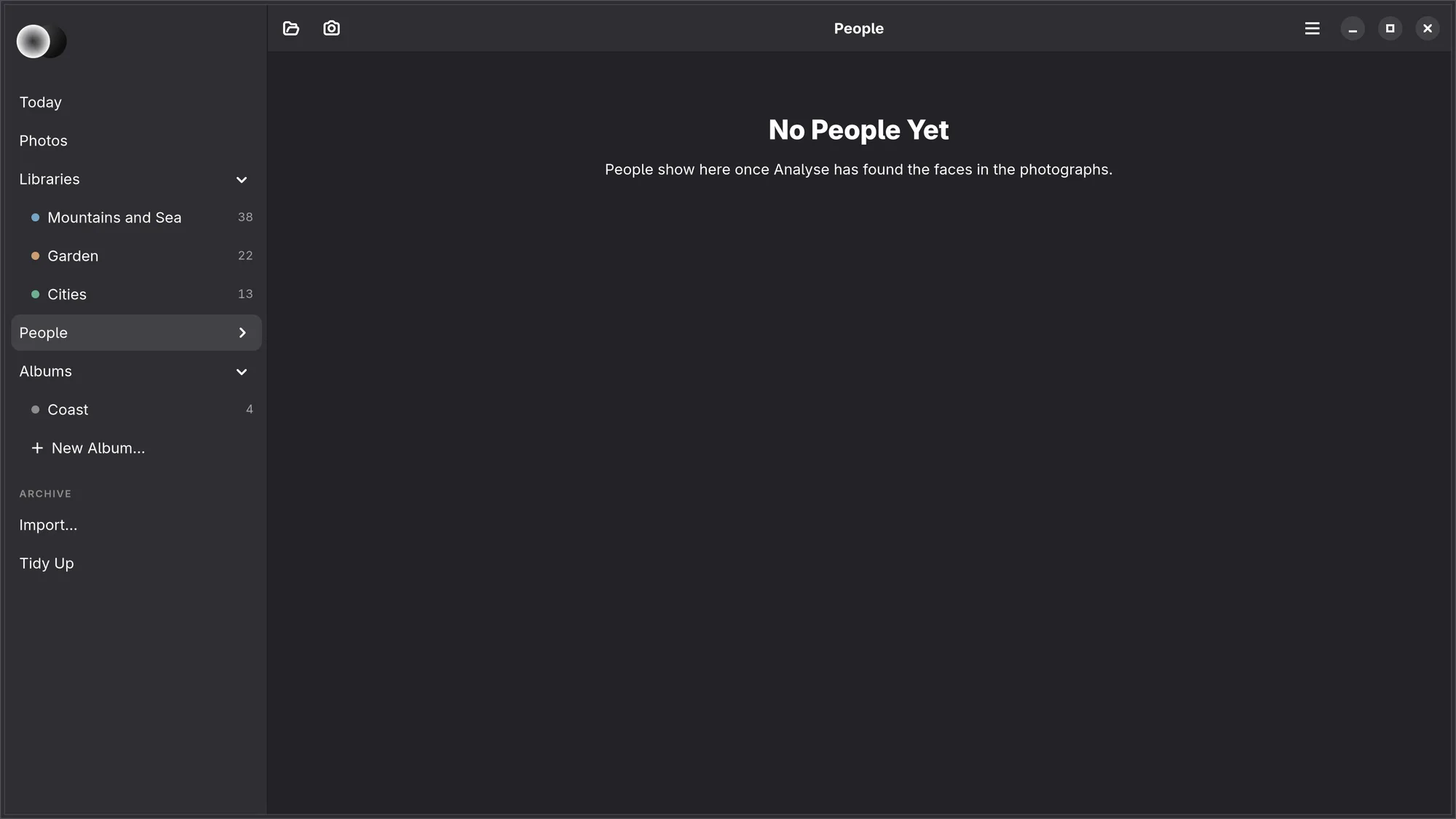
People, in the side list, opens a page of everyone you have named, across all your libraries: each with their face, their name and how many photographs they are in. Under NOT NAMED YET come the faces that are probably one person, a row for each group, most photographs first (“In 38 photos”): type who it is under Who is this? and press Name, or Nobody to stop being asked about those faces. Ask Again, at the foot, brings faces set aside back. Right-click someone for Rename… and Forget Name; a new name changes everywhere, and two people given the same name become one.
The first time, Numa says that faces stay on this computer: recognition runs here, and the names are kept in each library's own .numa folder, so they travel with it.
Finding someone's photographs
Everyone you have named is in the side list under People, with their face and how many photographs they are in; the arrow beside People folds the list open. Choosing a person, there or on the People page, shows every photograph they are in, from all your libraries, under a head with their name and the way back to People. Within a library, People in the Filter menu narrows it to someone. On the canvas, a switch under the people in the info view draws a box on each face, with the name under it on a small dark pill.
iPhone, iPad, Mac Recognising faces is on Linux only for now. In a library where Numa for Linux found them, the iPad and the Mac show the people named in the side list and on the People page, with the faces not named yet under Not named yet: type who it is and choose Name, or Nobody (see iPhone, iPad and Mac).