Retouch
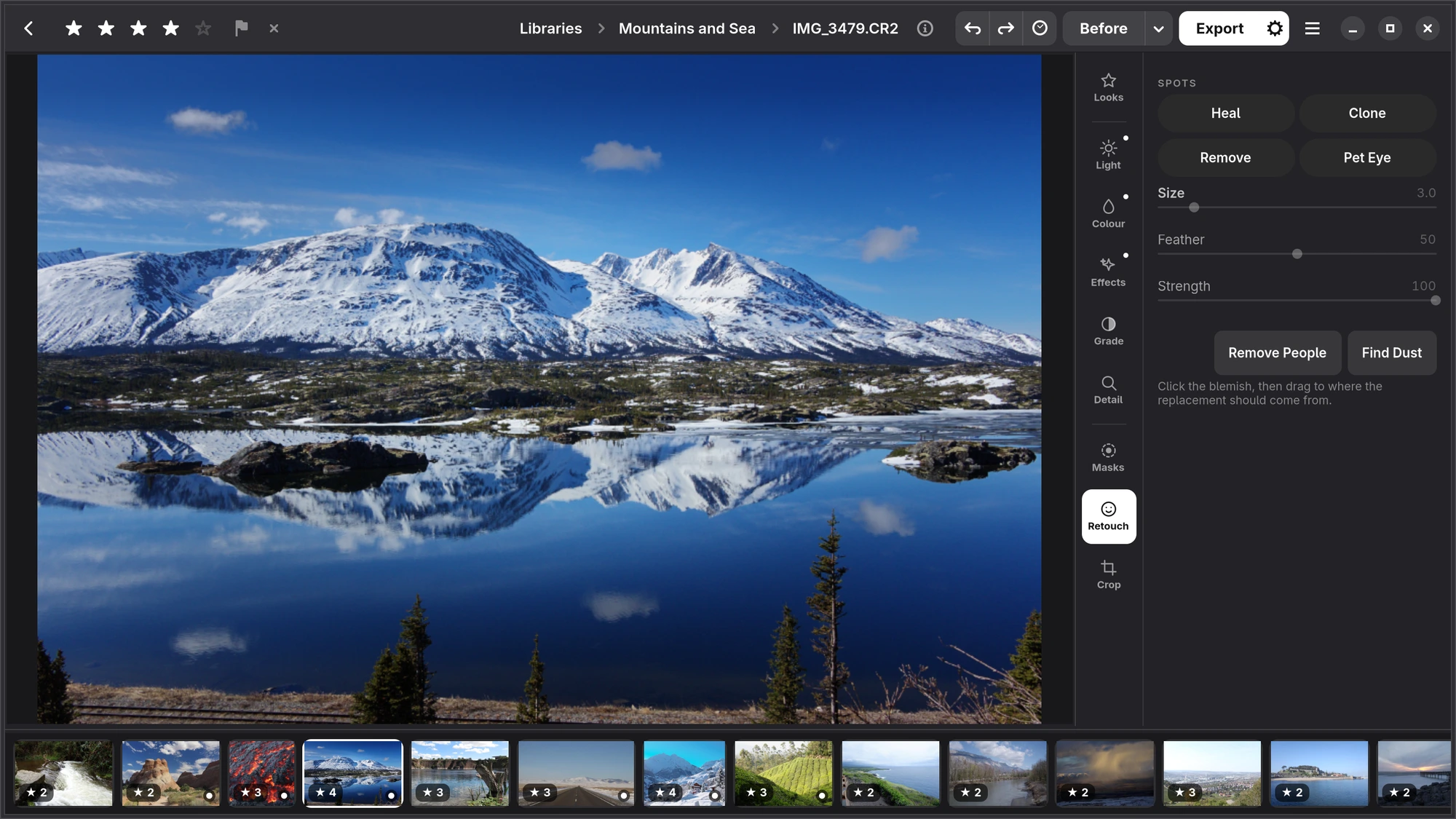
Heal, clone and remove, sensor dust and passers-by found for you, pet eyes, and a face section that appears when there is a face.
Heal, Clone and Remove
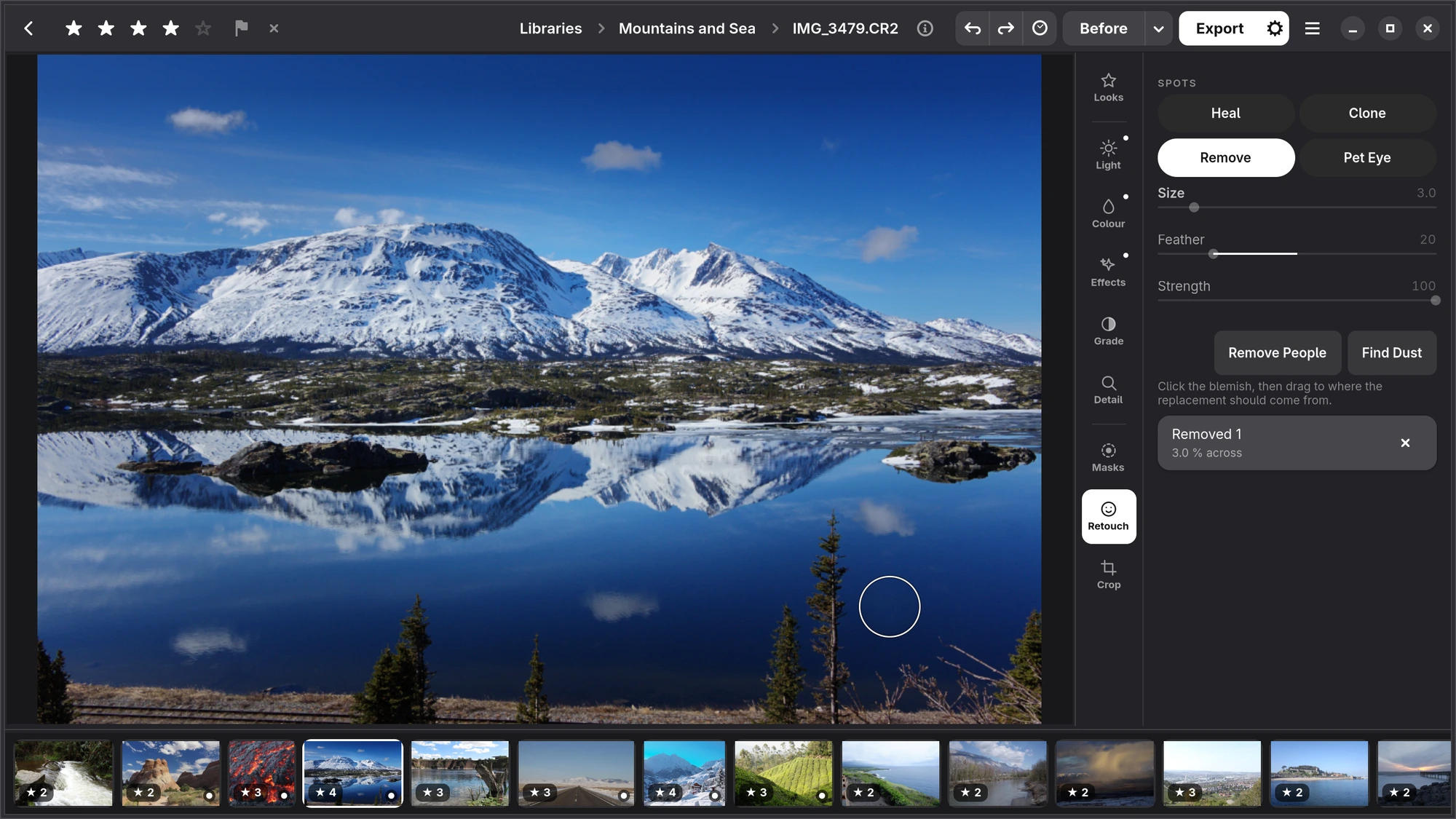
Choose a tool from the chips in Retouch and press on the photograph where something should go. For Heal and Clone, keep the button down and drag: that places the source, the place the texture is taken from. Each spot is a circle you can move and resize afterwards, and so is its source.
| Tool | What it does |
|---|---|
| Heal | Covers a spot with the source's texture in this place's brightness and colour, so it blends in. |
| Clone | Copies the source exactly as it is. The source is the dashed circle, the place it goes the solid one, with a line between them. |
| Remove | Takes out what is under the circle and fills it from around it: walls, fences and horizons carry on through. No source needed. It needs the LaMa add-on. |
| Pet Eye | Darkens the glowing pupil a flash leaves in an animal's eye. Put the circle on the pupil. |
Size, Feather and Strength apply to the chosen spot.
Found for you
- Find Dust heals the specks a dirty sensor leaves in skies and walls. It only looks where the picture is smooth, and never on skin.
- Remove People takes out everyone but the subject: the passers-by behind. It needs the YOLOX-s and LaMa add-ons.
Both add ordinary spots, so you can move or delete any of them.
Face
When Numa finds a face (with the Faces add-on), a Face section appears under the tools:
| Slider | What it does |
|---|---|
| Spots | Takes away small, passing things, like a blemish, and leaves what is part of the face, like freckles. |
| Skin | Flattens what is blotchy and keeps what is texture: the pores stay. |
| Evenness | The same for colour alone, which is where blotchiness lives. |
| Red eye | Takes the red out of eyes lit by a flash. |
| Teeth | Whitens teeth, only where a mouth has something bright and yellow in it. |
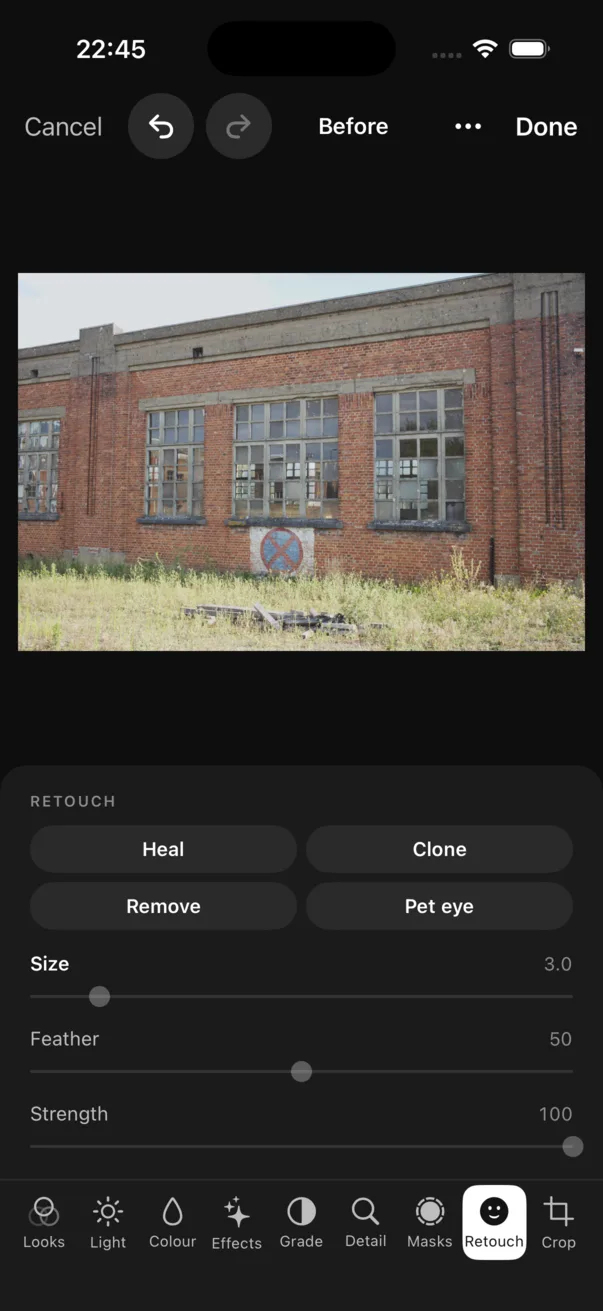
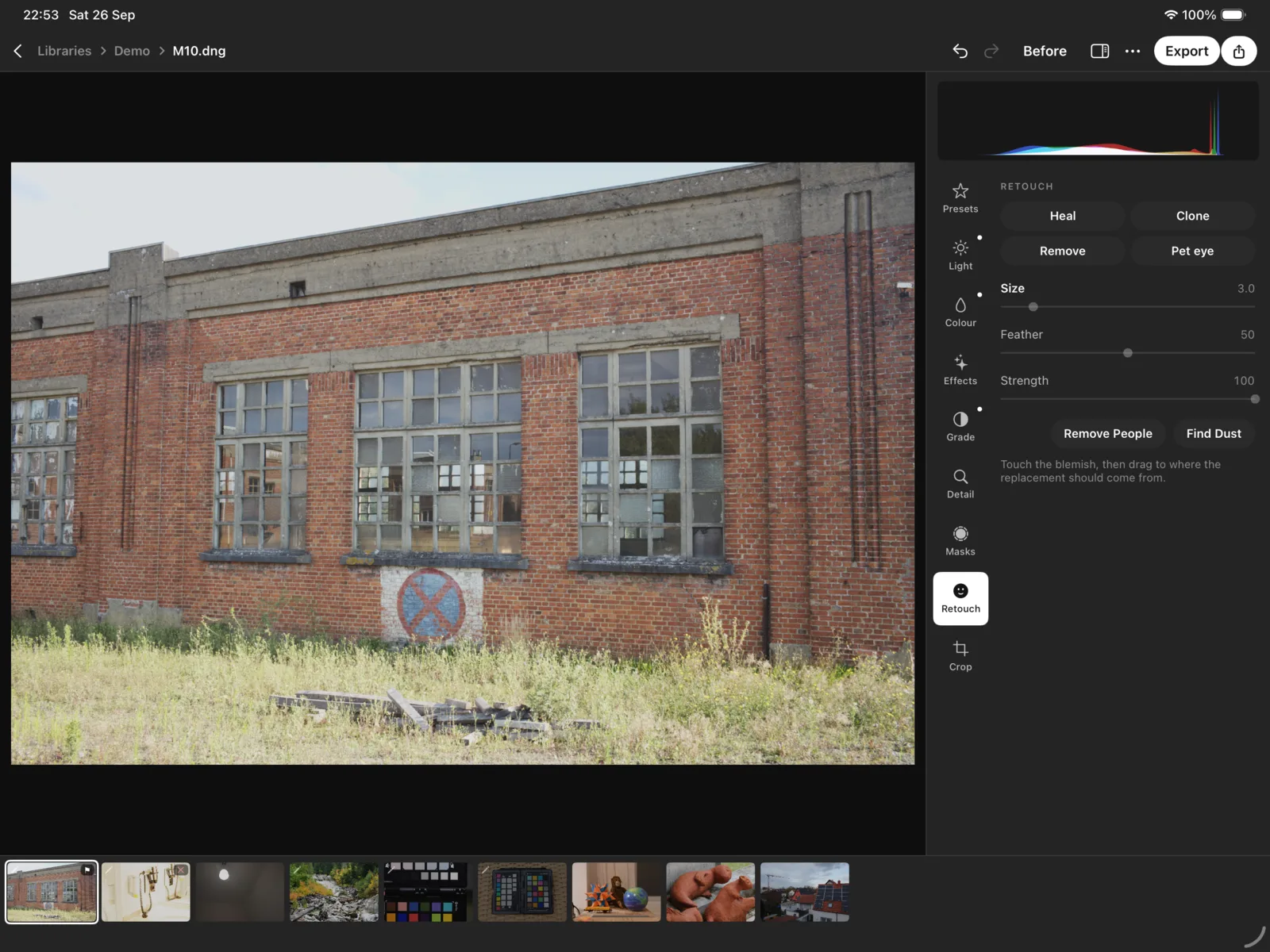
iPhone, iPad, Mac Heal, Clone, Remove and Pet eye, with Size, Feather and Strength, and the Face section when there is a face. Find Dust and Remove People are on Linux only for now.